

2.2.5. Inspect Order History#
The order history gives the merchant a quick way to inspect recent point-of-sale activity. It shows recent orders with their total amount, elapsed time, receipt identifier, and payment state.
Open the history screen from the app navigation.
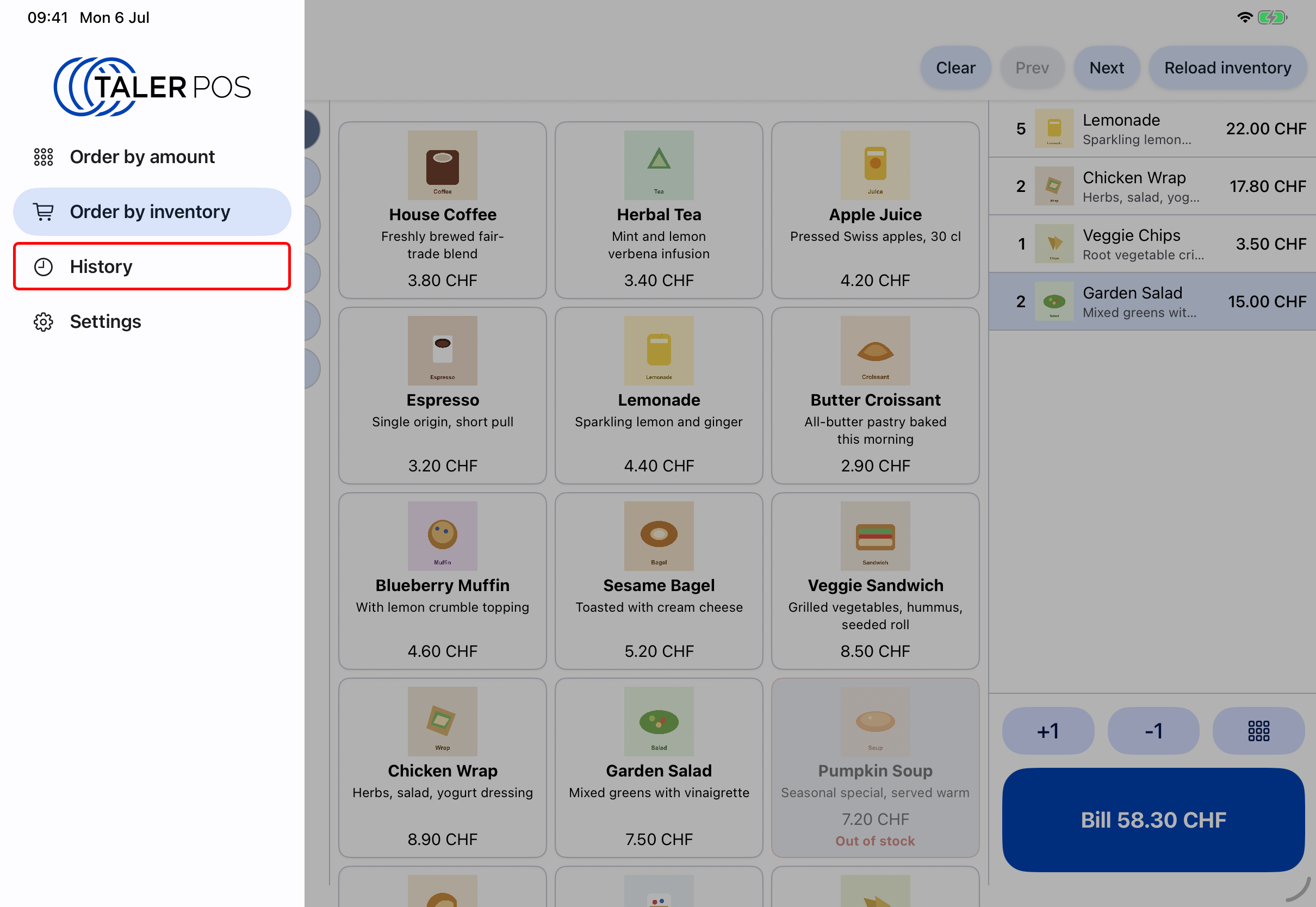
Selecting the history screen.#
Each order is shown as a separate card. A Paid badge means that the customer payment was completed. Paid orders can be refunded directly from this screen with the Refund button. Use Refresh history to update the list when a recent payment or refund is not shown yet.
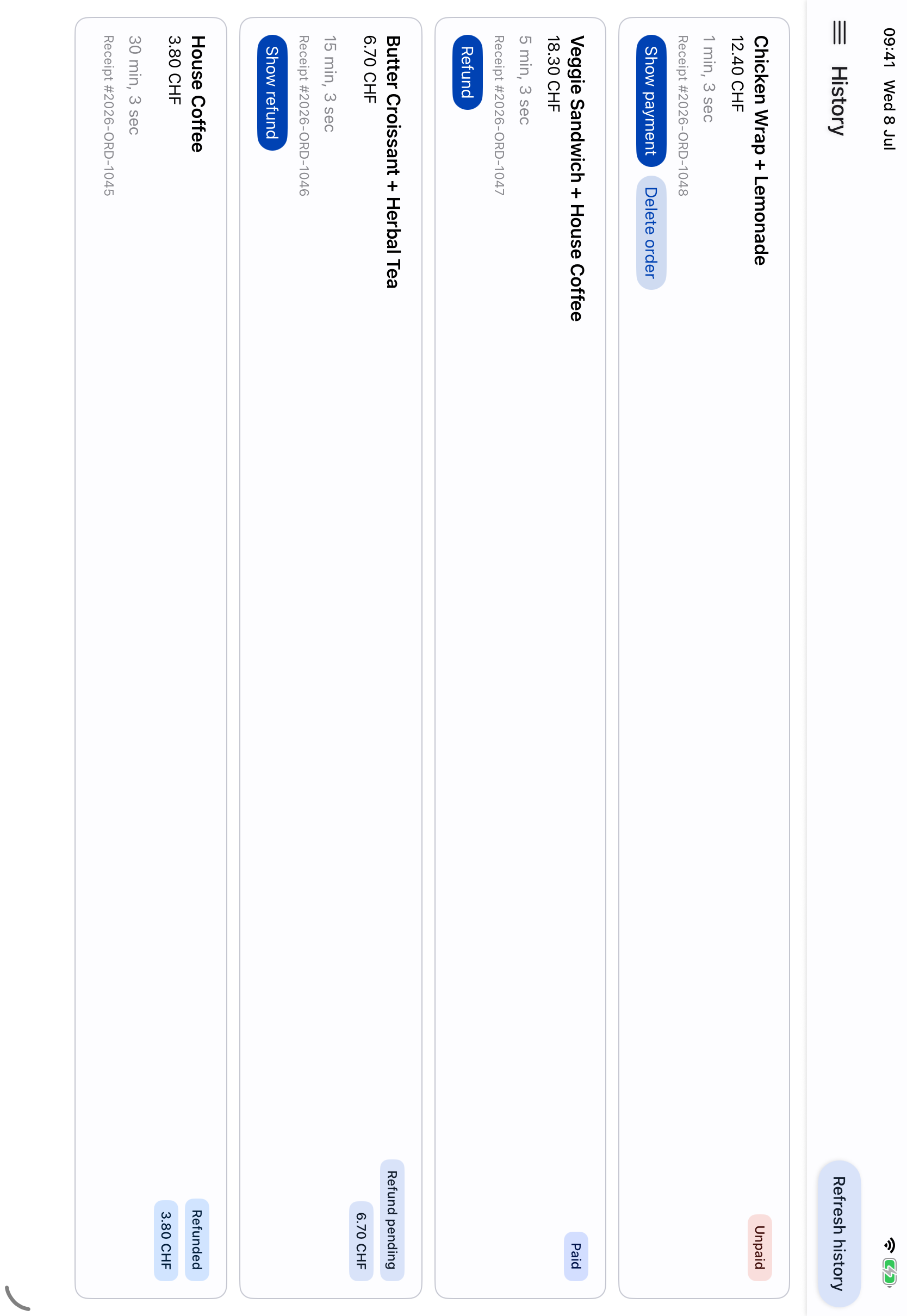
Recent point-of-sale orders with payment state and refund actions.#
For full Merchant Portal order details, inspect the same order in the Merchant Portal. The app history is optimized for merchant workflows, while the Merchant Portal contains the complete merchant record.